Work Faster
Remove unnecessary steps and find faster ways to perform repetitive work.
Too many files, apps, tabs, notes, prompts, projects, shortcuts, features, and ideas competing for your attention. I'll watch how you actually work, find what's slowing you down, and rebuild the systems around your creative process. All in 14 days.
So creating becomes faster, simpler, and easier to repeat.
Built through real creative work
I've spent the last 3+ years obsessing over building better workflows for creating content.
I make YouTube videos independently, which means I handle the entire process myself: ideation → packaging → research → scripting → recording → editing → publishing. There is nobody else organizing the project, finding the assets, setting up the files, or figuring out the software.
Over the years, I've tested and replaced dozens of apps, built workflows from scratch, and spent thousands of hours working on a computer. What you're buying is judgment and integration, not more options.
3+ Yrs
Producing and publishing content independently since 2023
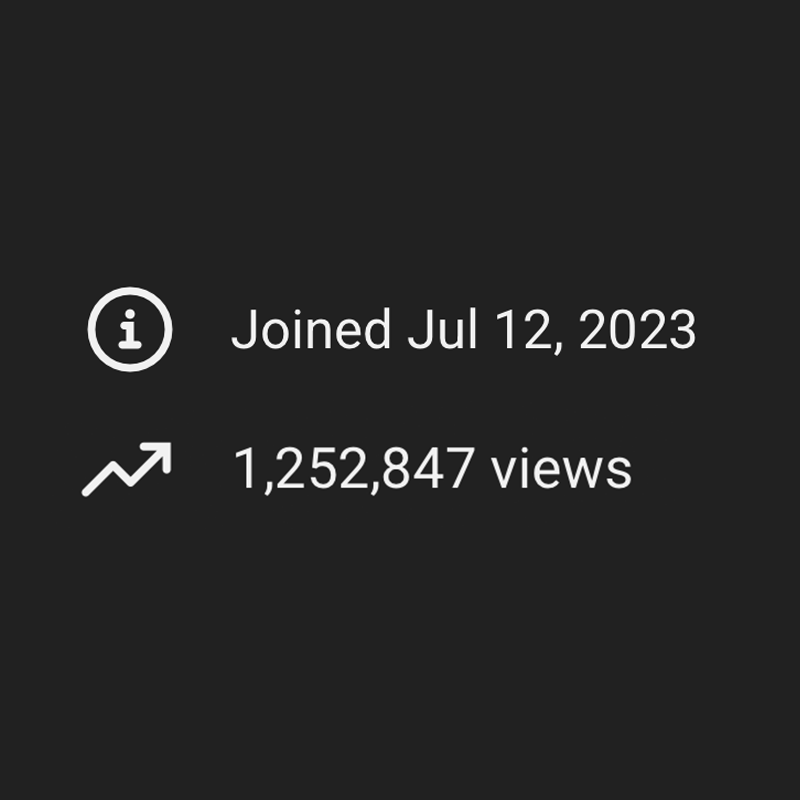
1.25M+
Views building and publishing content publicly
100+
Apps and utilities used, tested, broken, and replaced in real work
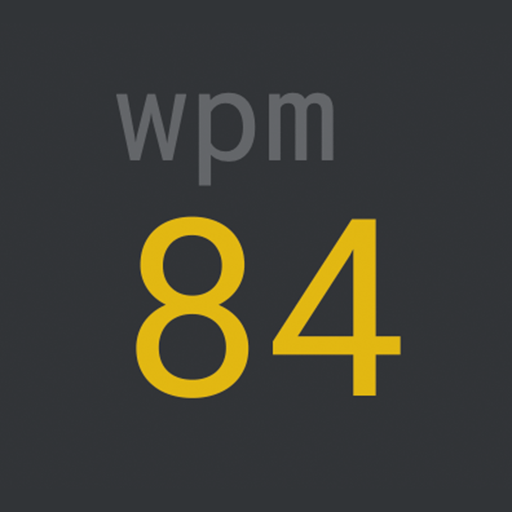
84 WPM
Typing speed deliberately trained — a fundamental layer of digital work
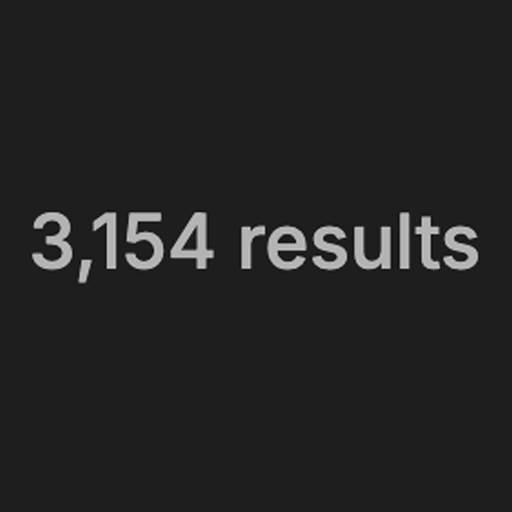
3,000+
Notes in a knowledge system I still use and retrieve from
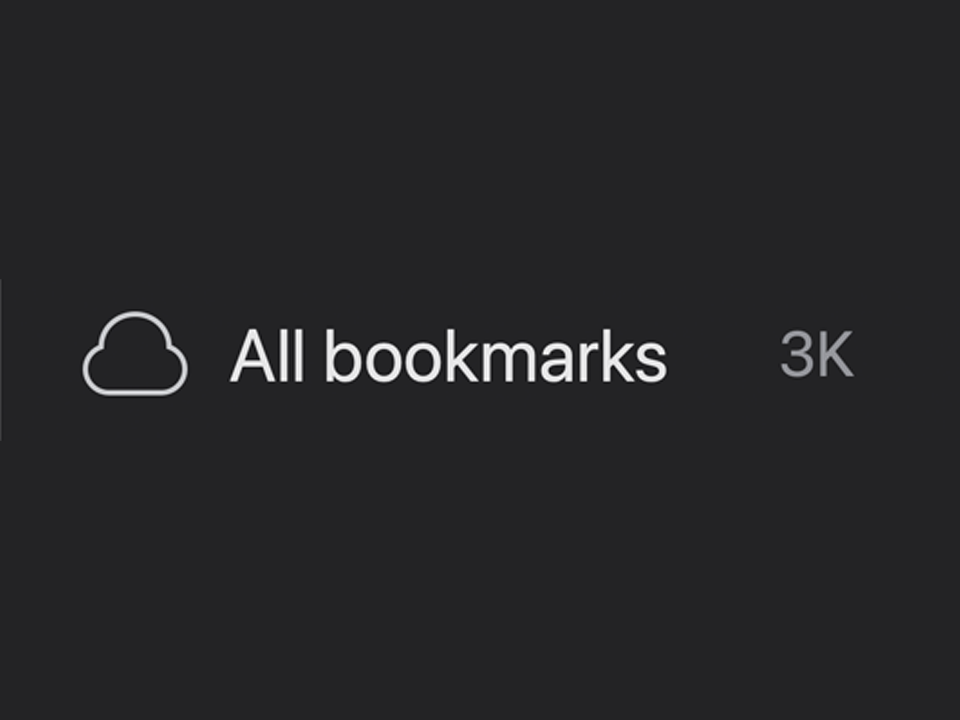
3K+
Bookmarks, structured and retrievable instead of an abandoned collection
The receipts
3+ years in public
Producing and publishing content since 2023. Over 1.25M views.
Speed I actually built
Went from 20 to 80+ WPM on purpose. Input speed is the base layer of every system I build.
A real knowledge system
3,000+ notes I still use and can find in seconds, not an abandoned second brain.
Curation over collecting
3K bookmarks, all structured and retrievable. Subtraction first: a simple system is a better system.
Built through thousands of hours of actual creative work. Not productivity theory.
The shift
A workflow that fights you
A workflow that supports you
Files scattered everywhere
Everything has an obvious home
Notes, tabs & tasks piling up
Information is organized and retrievable
Rebuilding the same work
Templates, presets & systems handle the repeatable parts
Starting every project from scratch
Proven project structures are ready to go
Barely using your software
Your tools are configured around how you work
Ideas collecting dust
Ideas can move from capture → creation
Constantly switching & searching
Common actions become faster and easier
Always wondering “what should I do next?”
Your workflow makes the next step obvious
Your creative work shouldn't require almost as much work to manage as it does to create.
The problem
An app here. A folder there. A database, a bookmark, a shortcut, a template, another tool. It accumulated.
It grew
year 1 → year 3Each decision made sense at the time. But nobody designed the whole thing.
Designed
one systemSame tools. Same work. A structure behind it.
And you're the one holding everything together in your head.
The real issue
Not this
This
The system behind your tools.
Same apps. Fewer decisions. Everything with a place, a rule, and a reusable version.
That's what I build.The questions you stop having to ask:
Your digital work should have systems behind it.
The approach
I build the system behind your creative work.
The template-first way
There is no universal "perfect" creator workflow. Your content, tools, projects, and creative process are all different.
The way I work
I don't start with a template. I start with you.
The approach
This isn't a generic productivity consultation. I want to see how you actually create. You show me your normal workflow:
Then I look for opportunities to make five things better.
Remove unnecessary steps and find faster ways to perform repetitive work.
Create clear systems for your footage, assets, scripts, notes, references, ideas, and resources.
Turn previous projects into templates, presets, prompts, assets, structures, and reusable building blocks.
Find the shortcuts, features, configurations, utilities, and workflows you're not taking advantage of.
Create simple systems and rules so you spend less time managing your workflow and more time actually creating.
Process
Don't show me your ideal workflow. Show me your real one.
Record yourself doing normal work across your production process. Whatever applies to you. Don't clean anything up first. I want to see where the problems actually happen.
No performance. No preparation. No workflow documentation. Just work normally.
Your recordings are private, securely stored, never shared, and deleted after your audit.
I'll go through your workflow and identify:
Then I'll prioritize the changes that are actually worth making. Not everything needs fixing. We'll focus on the improvements with the biggest impact on your creative work.
This is where the audit becomes your Deep Work OS.
I'll turn the highest-value opportunities into practical systems. That could mean:
Everything is built around the way you actually work.
You'll receive your completed systems, written documentation, and video walkthrough.
Then you start using them in real work:
The system gets tested where it matters: inside your actual creative work.
Recording
Hit record. Work normally. Stop recording. That's it.
You don't need to:
The mess is useful.
Those aren't embarrassing habits to hide — they're opportunities to improve your system. Your recordings are private, securely handled, and deleted after the engagement.
What changes
Your workflow determines what changes. There isn't a fixed checklist I'll blindly apply to every creator.
Make the software you already use work harder.
Make everything you've created easier to find and reuse.
Turn scattered information into something you can actually use.
Give your production process a structure that matches how you actually make content.
Find what you're doing over and over—and make it reusable.
Make your system easier to run. Instead of constantly asking where things go, we'll create simple rules.
Deliverables
Your exact deliverables depend on what I find in your workflow. That might mean:
A full breakdown of your recorded work week. Where you're losing time, repeating work, searching, switching context, and where your current systems break. You'll know exactly where the friction is coming from.
A project system built around how you actually make content. This can include your Notion workspace, databases, dashboards, production stages, tasks, templates, and recurring workflows. So you always know what you're working on, what's next, and where every project stands.
A structure for your projects, footage, graphics, thumbnails, exports, resources, and reusable assets. So finding something doesn't require remembering where you put it.
A system for capturing ideas, research, references, and information. So your knowledge becomes something you can actually use — not another pile of notes.
Templates, presets, prompts, project structures, SOPs, checklists, and reusable assets based on the work you repeat. So every new project benefits from everything you've already built.
The fastest ways to perform the actions you repeat most. Mapped to the actual software you use. So your tools become faster to operate without changing your entire workflow.
A written reference explaining how your new system works. Where things go, how projects move, how information is captured, what gets reused, and what happens at each stage. So the system doesn't slowly turn back into chaos a month later.
You don't receive a 40-page report telling you what you could improve. You receive a system built around what you actually do.
The outcome
Imagine opening your next project and already having:
Instead of figuring everything out again. That's the goal of Content Creator OS.
The result
Before
You start a project. You create the folders again. Find an old project for reference. Search for the template. Look for the footage. Open Notion. Search through old notes. Find the prompt. Switch back to your editor. Realize you forgot something. Open another app. Repeat.
After
You start a project.
The structure is already there.
Your assets have a home. Your templates are ready. Your recurring tasks are already defined. Your useful prompts are accessible. Your shortcuts are familiar. Your previous work is reusable.
You know what happens next.
You just start creating.
Comparison
Generic productivity advice
This
Your stack
I make them work around the way you create.
The stack you already use















No mandatory app stack. No unnecessary complexity.
The cost
That’s ~22 hours a month, or ~260 hours a year, quietly disappearing.
Audience
Especially if you:
Not for you if:
We start with what you already use and improve it from there.
The Creative Workflow Transformation
Your digital environment, rebuilt around the way you actually create.
$500
Your exact system is determined by your workflow, not a fixed checklist.
Price increases with each new client I take on. Reserve your slot at the current rate.
14-day turnaround · macOS & Windows · 1 client every 2 weeks
Bonuses
Six additions that make the system easier to actually use.
A living reference of the shortcuts and custom hotkeys that matter most for your actual software, plus a personalized cheat sheet of your highest-value keys.
Problem solved: “I know I could work faster, but I don't know what shortcuts actually matter.”
A pre-built folder and project structure for your next piece of content, with a quickstart guide for your new system. Open it. Duplicate it. Start working.
Problem solved: “Okay… what do I actually do now?”
Async support while you start using your new system. Find the problems in real use and fix them before they become habits.
Problem solved: “I'll get stuck the first time something doesn't fit.”
Your current tools flagged KEEP · REPLACE · CUT, with reasoning behind each call, plus a curated setup library of tools, configurations, and utilities worth having.
Problem solved: “I keep collecting tools and don't know what's worth setting up.”
A ready-made structure for storing templates, presets, scripts, hooks, assets, references, and checklists.
Problem solved: “I keep recreating things I've already made.”
A recurring checklist for spotting new sources of friction before they pile up again.
Problem solved: “My system will eventually become messy again.”
The maintenance system
A simple rule set for the question “What do I do when I encounter something new?”
Your environment doesn't just get cleaned. It becomes self-maintaining.
Guarantee
Record your workflow as instructed and implement the system as delivered. If you don't feel more in control of your creative workflow within 14 days of receiving it, I'll do one additional round of revisions at no charge.
And if after our intake you decide this isn't for you before your recording week starts, I'll refund you. No questions asked.
Capacity
Because I work directly with every client, start to finish.
Price increases with each new client I take on.
Reserve your slot at the current rate.
Who does the work
That forces a capacity limit: 1 creator every 2 weeks.
The point
There is no universal setup that makes every creator work better. The best workflow is the one that fits yours.
Creator A
Long-form videoDifferent steps. Different tools. Different order.
Creator B
Short-form + designDifferent steps. Different tools. Different order.
You
Your processDifferent steps. Different tools. Different order.
You need a digital environment that makes sense for the way you actually work.
14-day transformation · $500 · 1 client every 2 weeks
Send me an email. Happy to help clear up any questions.
Email me